I Built a Faster PWA Icon Generator in a Weekend
TL;DR
I built pwa-icons — a fast, interactive CLI that generates all the icons you need for iOS, Android, Windows 11, and favicons from a single image.
npx pwa-icons118 icons in ~0.7 seconds. No Chromium. No Puppeteer. Just Sharp and good vibes.
The Problem
Every time I start a new PWA project, I dread the icon generation step.
You need:
- 26 iOS icons (16px to 1024px)
- 6 Android icons (48px to 512px)
- 80+ Windows 11 icons (tiles, splash screens, variants)
- Favicons (ICO, PNG, apple-touch-icon)
That’s 118 images from one logo.
I used to go to PWABuilder’s Image Generator, upload my image, wait, download the ZIP, extract it… every. single. time.
There’s also an npm package called pwa-asset-generator — but it uses Puppeteer and Chromium. That means:
- ~200MB Chromium download on first run
- Spawning a browser process for each generation
- Slower than it needs to be
I wanted something fast, lightweight, and interactive.
The Solution: pwa-icons
I built pwa-icons over a weekend. Here’s what makes it different:
1. Fast — Really Fast
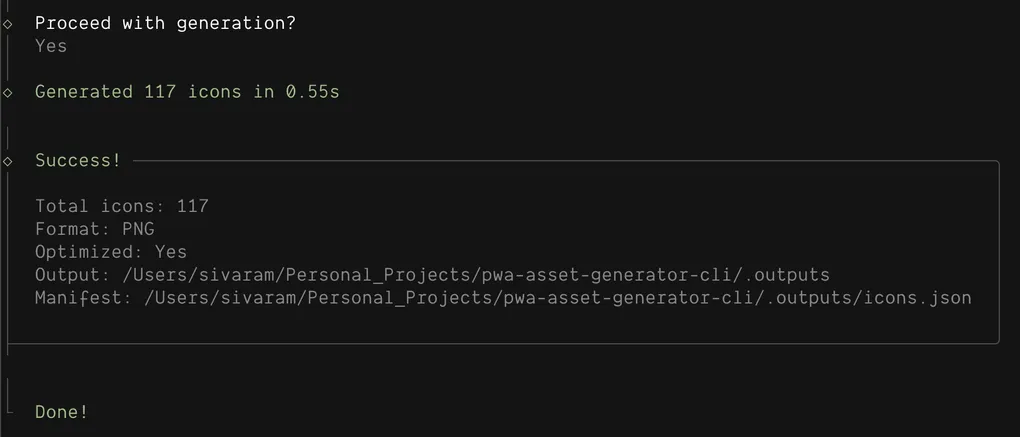
118 icons in ~0.7 seconds.
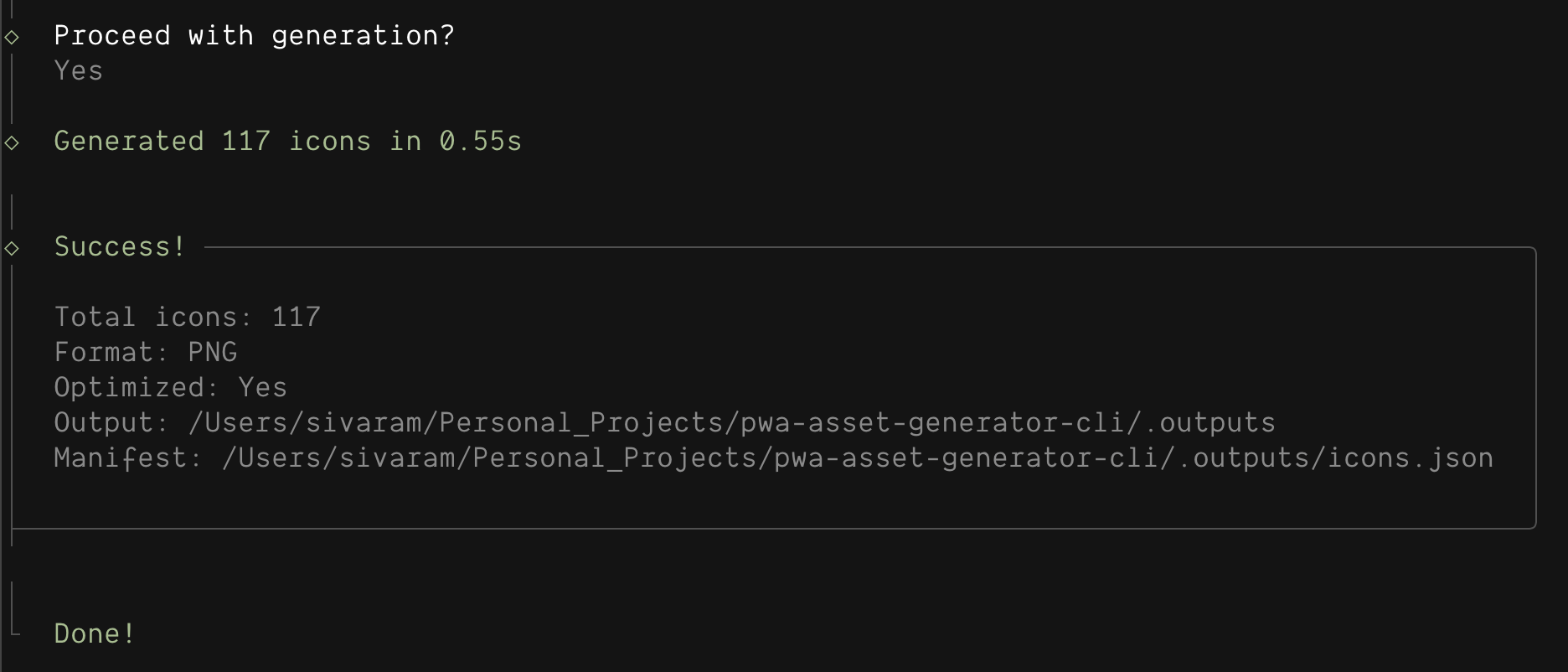
How? I use Sharp instead of Puppeteer. Sharp is built on libvips — a native C library that processes images in streaming chunks, not full-image buffers.
No browser. No overhead. Just raw image processing.
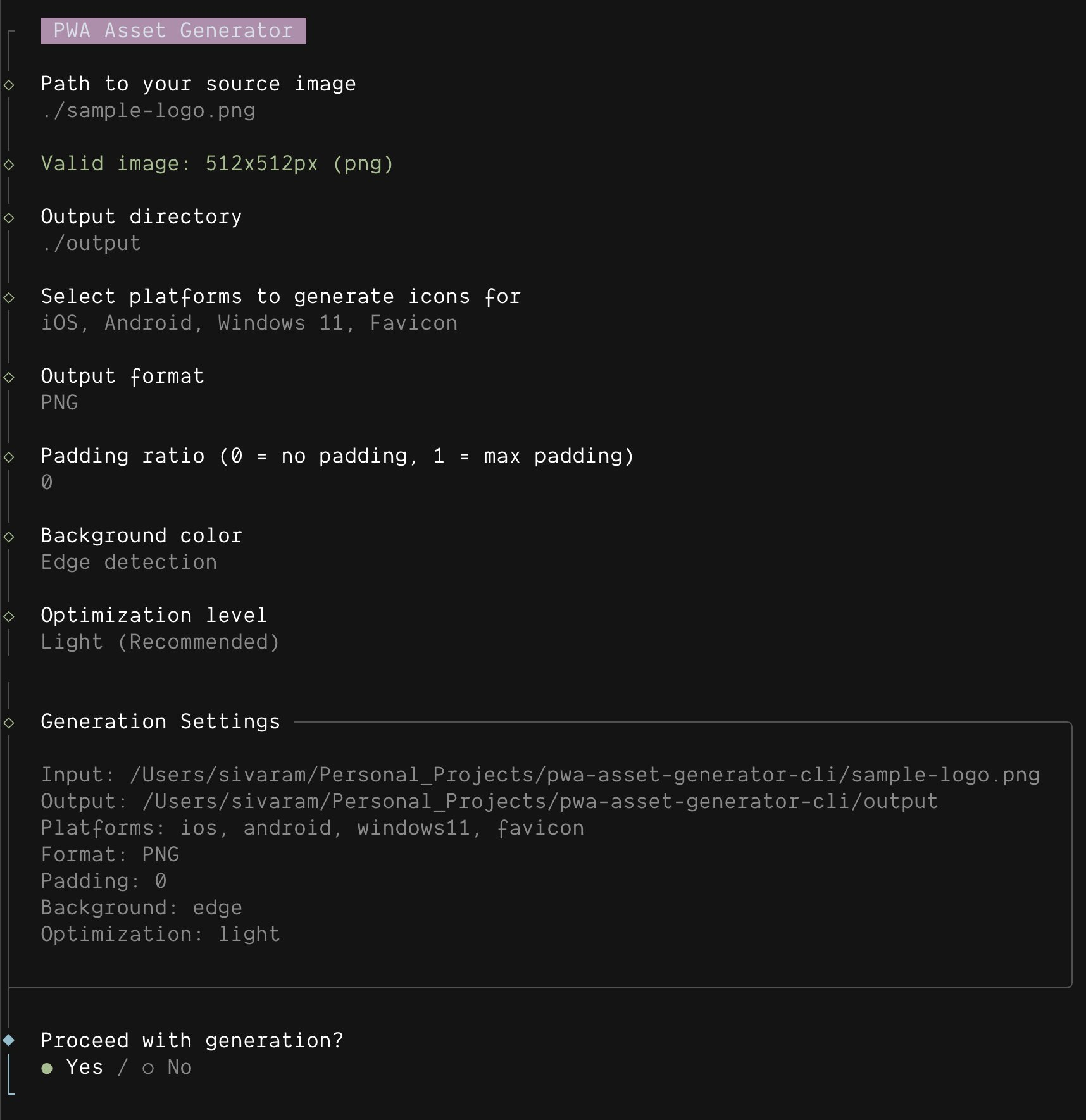
2. Beautiful Interactive CLI
I hate remembering flags. So I made pwa-icons fully interactive using @clack/prompts.
Just run:
npx pwa-iconsAnd it walks you through everything:
3. Smart Edge Detection
Most icon generators ask you to pick a background color. But what if your logo already has a background?
pwa-icons samples 1px from all four edges of your image and calculates the average color. This creates backgrounds that naturally extend your image.
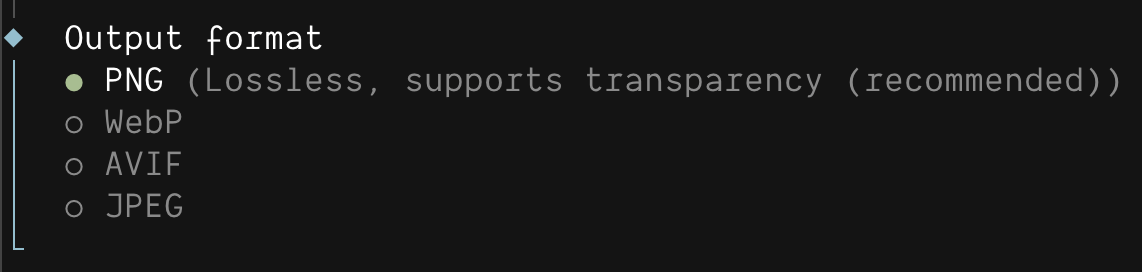
4. Multiple Output Formats
PNG is great, but WebP is 8x smaller. AVIF is even smaller.
pwa-icons supports:
| Format | Transparency | Best For |
|---|---|---|
| PNG | ✅ | Maximum compatibility |
| WebP | ✅ | Modern browsers, ~8x smaller |
| AVIF | ✅ | Next-gen, smallest files |
| JPEG | ❌ | Universal support |
5. Optimization Levels
Choose how aggressively to compress:
- None — Maximum quality
- Light — Good balance (default)
- Heavy — Smallest files

6. Favicon Generation
Generates everything you need:
favicon/
├── favicon.ico         # Multi-size (16, 32, 48)
├── favicon-16x16.png
├── favicon-32x32.png
├── favicon-48x48.png
├── favicon-192x192.png
└── apple-touch-icon.png  # 180x180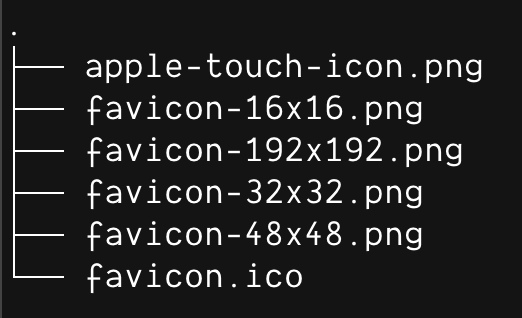
How It Works
Installation
# Use directly (no install)
npx pwa-icons

# Or install globally
npm install -g pwa-icons
pwa-icons
Interactive Mode
Just run it and answer the prompts:
npx pwa-icons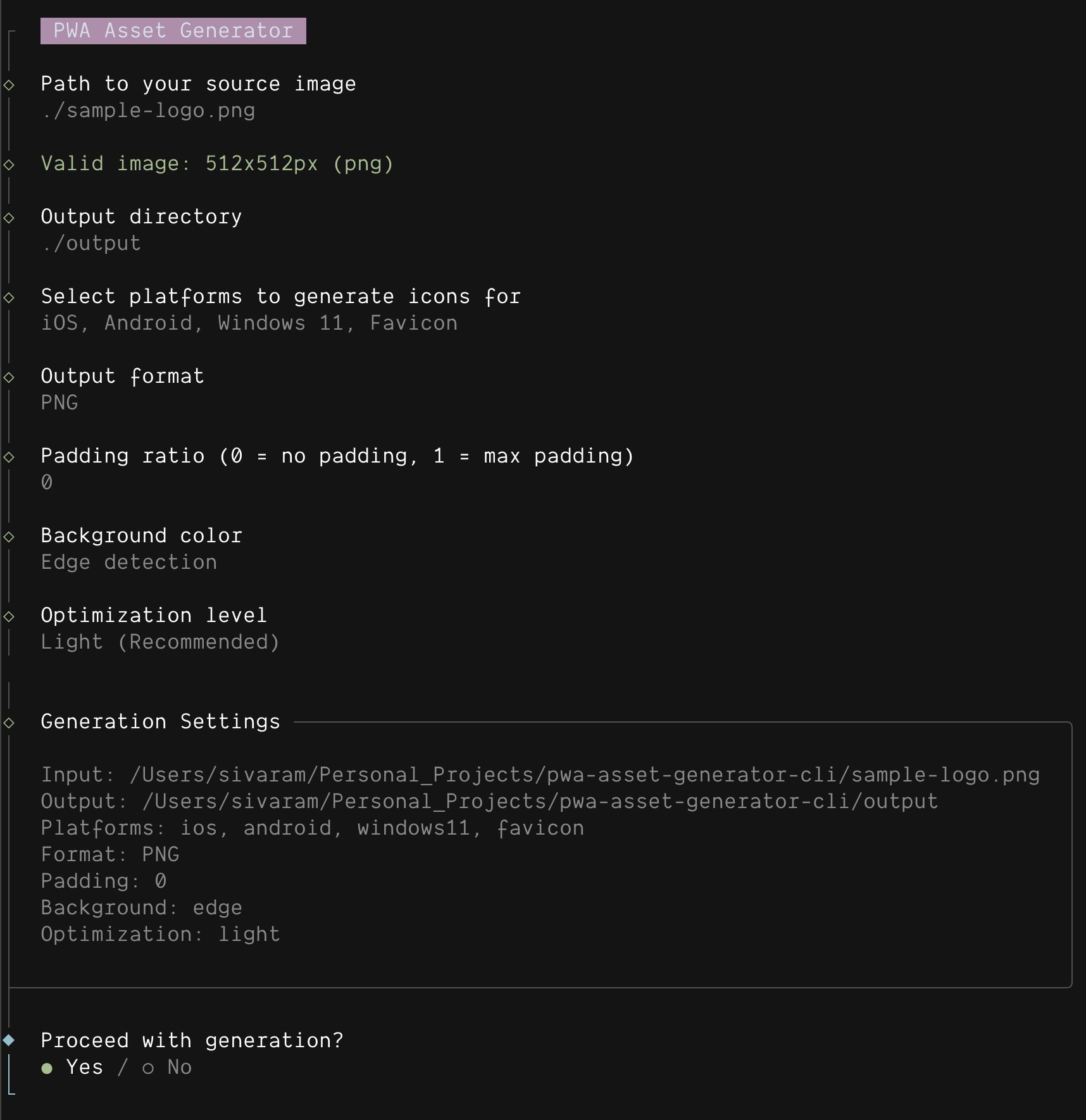
CLI Mode
For CI/CD or scripting:
npx pwa-icons \
  -i logo.png \
  -o ./icons \
  -p ios,android,favicon \
  -f webp \
  --optimization light \
  -y
Output Structure
AppImages/
├── ios/
│   ├── 16.png ... 1024.png     # 26 icons
├── android/
│   └── android-launchericon-*.png  # 6 icons
├── windows11/
│   └── *.png                   # 80 icons
├── favicon/
│   └── favicon.ico, *.png      # 6 files
└── icons.json                  # Ready for manifest.json
The icons.json is ready to paste into your PWA manifest:
{
  "icons": [
    { "src": "ios/512.png", "sizes": "512x512" },
    { "src": "android/android-launchericon-192-192.png", "sizes": "192x192" },
    { "src": "favicon/favicon.ico", "sizes": "16x16 32x32 48x48" }
  ]
}
The Tech Stack
| Package | Why |
|---|---|
| Sharp | libvips-powered image processing |
| @clack/prompts | Beautiful terminal prompts |
| Commander | CLI argument parsing |
| p-limit | Concurrency control (10 parallel ops) |
| png-to-ico | Multi-size ICO generation |
Built with Bun, works with Node.js 18+.
Test Coverage
I take testing seriously. The codebase has:
| Metric | Coverage |
|---|---|
| Functions | 100% |
| Lines | 99.33% |
| Tests | 92 |
Run bun test --coverage to verify.
Comparison with Alternatives
| Feature | pwa-icons | pwa-asset-generator |
|---|---|---|
| Engine | Sharp (libvips) | Puppeteer (Chromium) |
| Package size | 10 KB | 183 KB + Chromium |
| Speed | ~0.7s for 118 icons | Slower |
| Interactive CLI | ✅ | ❌ |
| Output formats | PNG, WebP, AVIF, JPEG | PNG only |
| Optimization | 3 levels | None |
| Edge detection | ✅ | ❌ |
| iOS splash screens | ❌ | ✅ |
| HTML/CSS input | ❌ | ✅ |
If you need iOS device-specific splash screens or HTML/CSS rendering, check out pwa-asset-generator. It uses Puppeteer for a reason — browser rendering.
For everything else, pwa-icons is faster and lighter.
Try It Now
npx pwa-iconsLinks:
Star it if you find it useful! ⭐
What’s Next?
I built this as part of my personal toolkit for freelance/consulting work. Some ideas for future versions:
- Maskable icon support
- iOS splash screen generation
- Watch mode for development
- Config file support (
.pwaiconsrc)
Got feature requests? Open an issue!
Thanks for reading! If you found this useful, follow me for more developer tools and tips.